

29 changes
Sign in with just your email, a new daily puzzle, and a rebuilt timeline
Signing in now starts with your email. Pins is a new daily puzzle in the Arcade, boards get a rebuilt timeline, and tables, the account menu and workspace alerts are calmer and easier to use on a phone.
- 5 new
- 15 improved
- 9 fixed
On this page9 sections
Highlights
01Account
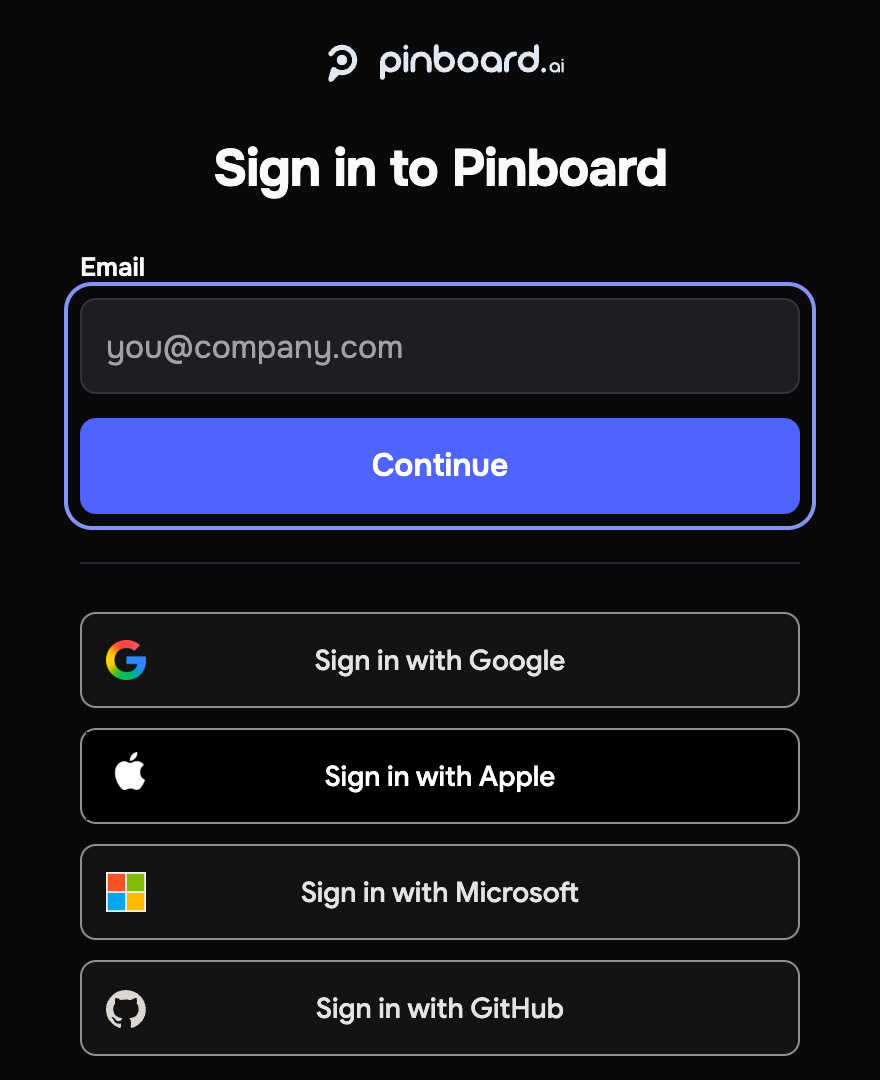
Sign in with just your email
Start with your email, then choose how to prove it's you: a code by email, your password, a passkey, or single sign-on if your company uses it.
Sign inEnter your email and choose Continue, or sign in with Google, Apple, Microsoft or GitHub.
02Arcade
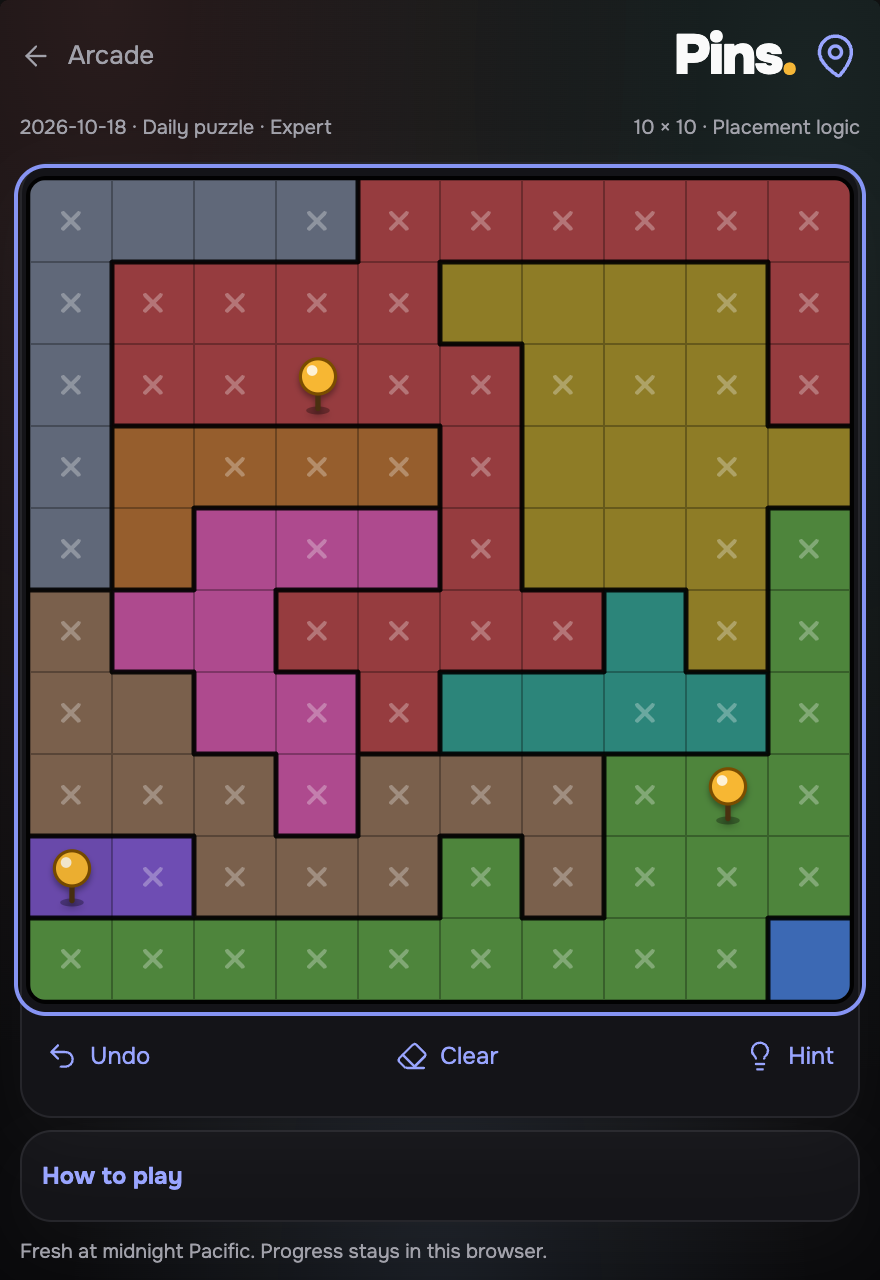
Pins, a new daily puzzle
Put one pin in every row, column and colored region, with no two touching. Each pin crosses out everything it rules out, and every puzzle can be solved by logic alone.
Arcade → PinsTap a tile to cross it out and tap again to place a pin; Undo, Clear and Hint sit under the board.
03Boards
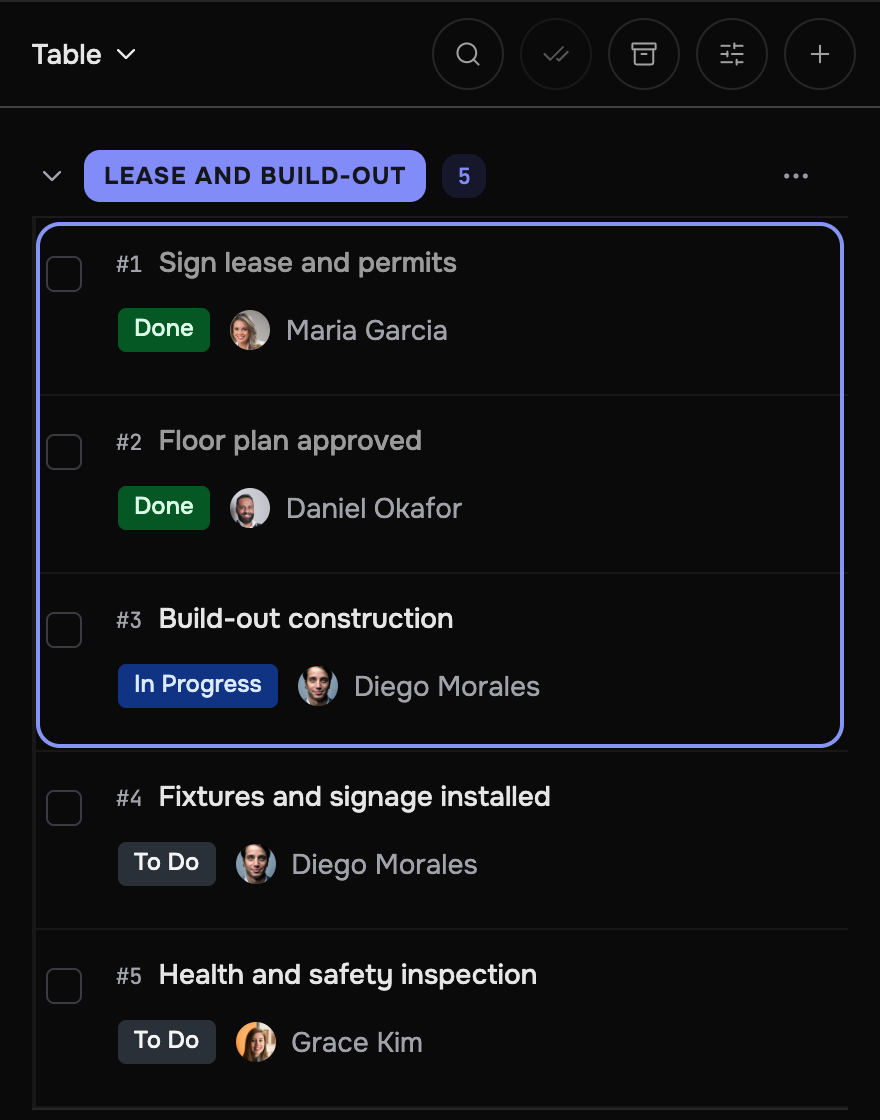
Tables that read well on a phone
Each row shows its number and title, with the status and the person underneath. The list is flat, with no box around it, and completed rows stay readable.
Projects → open a board → TableOpen any board on your phone and switch to the Table view.
Every change
Account
5- NewSign-in starts with your email, then offers a code by email, your password, a passkey, or single sign-on when your company has it.
- ImprovedThe sign-in, code, password, device approval and error pages share one cleaner look.
- ImprovedSign-in error pages show clear, fixed wording instead of text taken from the web address.
- FixedA wrong code is now reported once instead of repeatedly.
- FixedAdding another account no longer pre-fills the email you are already signed in with.
Arcade
6- NewPins, a daily placement puzzle: one pin in every row, column and region, with none touching.
- NewA pin crosses out its row, column, region and the tiles around it, with Undo, Clear and Hint under the board.
- ImprovedIn Mosaic, a tap cycles a tile through filled, crossed out and empty, taps are instant, and a new Clear button resets the board.
- ImprovedPuzzle screens redraw far less often, so they stay smooth on a phone.
- FixedThe Vault puzzle fills the screen on a phone, with its keypad and clues in view.
- FixedMosaic's Undo, Clear and Hint sit under the board on a phone.
Boards
6- NewA rebuilt timeline: scroll as far as you like in days, weeks or months, with its own columns and milestones, and drag an item to change its dates.
- ImprovedOn a phone, table rows show the number and title first, with the status and person underneath.
- ImprovedOn a phone, a table is a flat list instead of a boxed card, and the comments and files icon only appears when there is something to see.
- ImprovedA row's number is a plain muted figure instead of a bordered chip.
- ImprovedIn the kanban view on a phone, column titles stay in view and columns snap one at a time.
- FixedCompleted rows stay readable instead of fading to grey.
Sheets
2- ImprovedThe Gantt view matches the boards timeline and colors bars by your Rules.
- ImprovedThe Rules dialog is rebuilt and easier to follow.
Workspaces
4- NewThe workspace picker shows each workspace's own alert count next to its name.
- FixedThe Calendar badge no longer counts old tasks that the calendar can't show.
- FixedArchived projects drop out of the Favorites list in the sidebar.
- FixedOn a phone, Favorites says all your projects are already in Favorites instead of "No projects found".
Account menu
4- ImprovedA calmer account menu: your name and email, then your workspace and a short list of pages.
- ImprovedStatus and theme sit together in one group, with a clearer selected choice.
- ImprovedAdd Account and Sign Out line up with the rows above, and Sign Out is no longer a full line of red text.
- ImprovedThe close button on a phone is a larger tap target.
Content
1- FixedSharing with edit access to someone who can't edit is refused, with a clear reason.
Look and feel
1- ImprovedAvatars and project tiles use lighter, more varied colors, and the dark theme's grays are retuned.