

16 changes
Publish knowledge with confidence
Keep live articles stable while you edit, choose password sign-in, and set up your first project with clear next steps.
- 8 new
- 4 improved
- 4 fixed
On this page5 sections
Highlights
01Knowledge
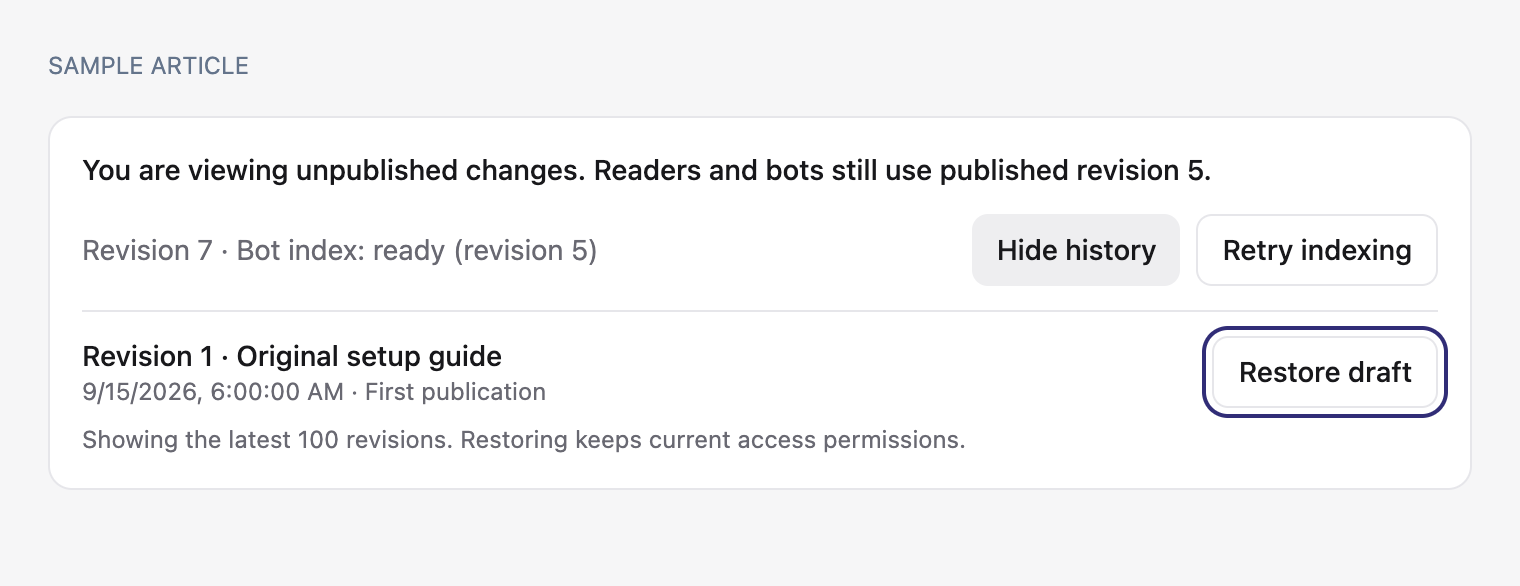
Edit safely before publishing
Keep readers on the published article while you revise it or restore an earlier draft.
Project → Service Desk → Knowledge → ArticleOpen Revision history and choose Restore draft to review an earlier version.
02Sign-in
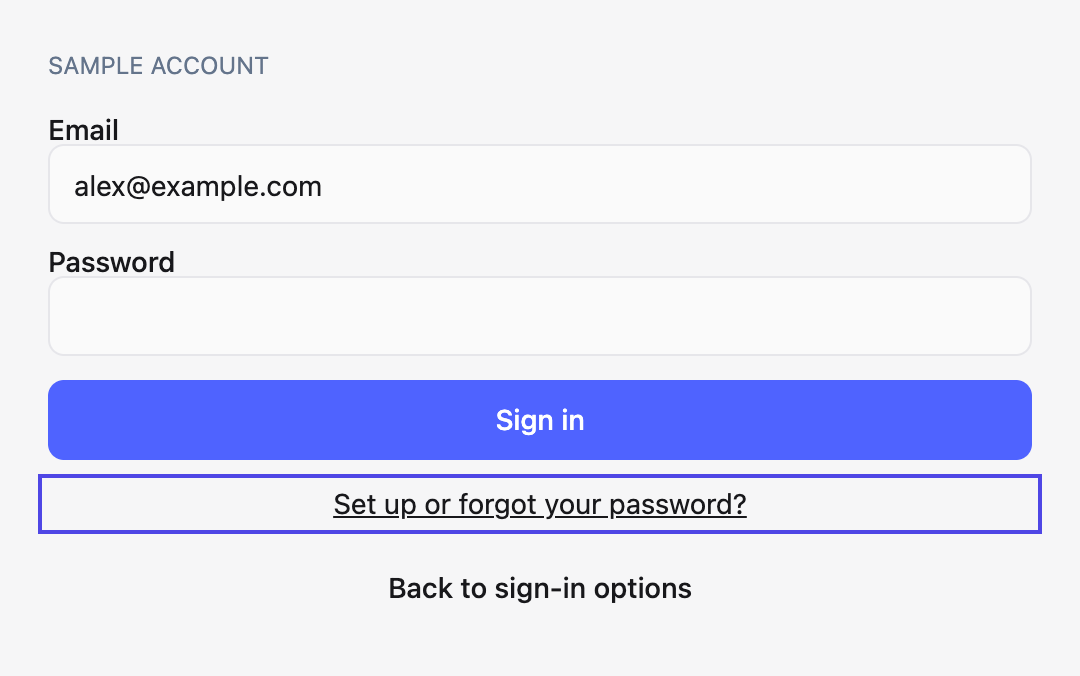
Choose password sign-in
Add an optional password while keeping your other sign-in options and two-factor protection.
Sign in → Sign in with a passwordChoose Set up or forgot your password? to request a secure email link.
03Getting started
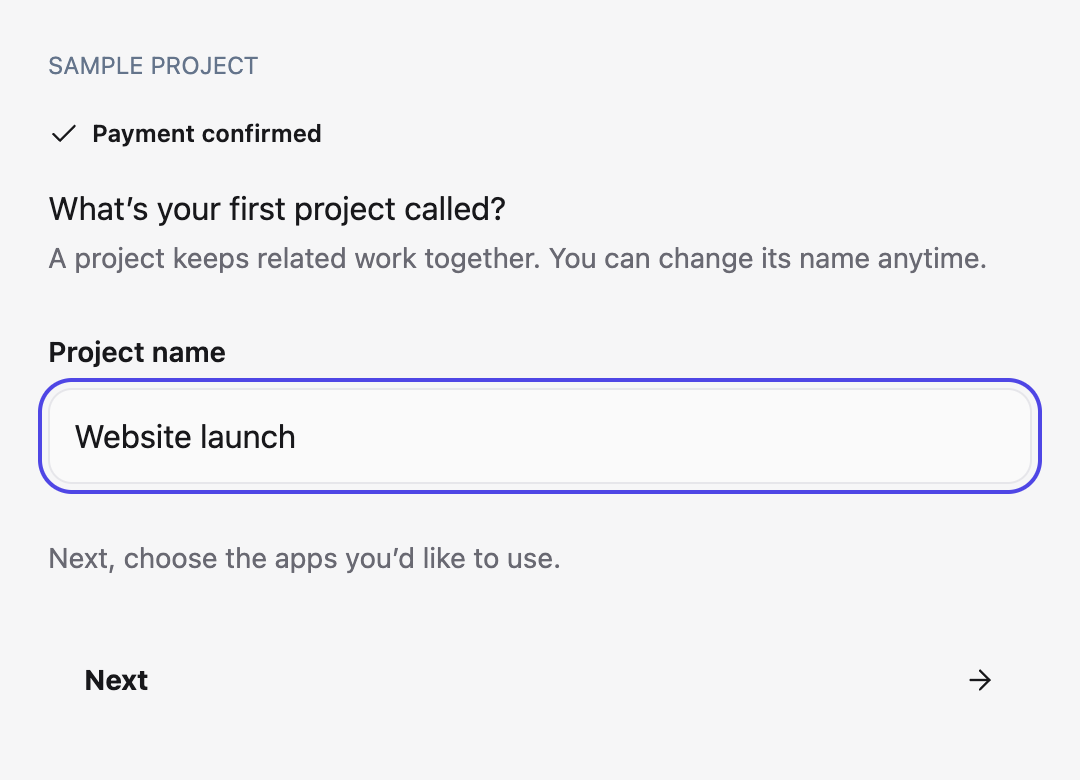
Start with a project of your own
Move from confirmed payment to naming your first project and choosing its apps.
Create workspace → Subscription → First projectEnter a project name, then choose Next to pick the apps you will use.
Every change
Knowledge
6- NewKeep a working draft separate from the live article, review revision history, and restore an earlier version before publishing.
- NewChoose whether articles appear on your website, in bot answers, or both, and restrict internal articles to selected people, roles, or groups.
- NewLimit a bot to selected articles, exclude individual articles, and preview the sources behind a test question.
- ImprovedSee indexing status, retry failed indexing, and keep article images available when content is published.
- NewConnect published articles to your own website with full exports, change feeds, and update notifications.
- ImprovedManage article drafts, publication, revisions, and indexing through connected AI tools.
Sign-in
3- NewSign in with an optional password, or keep using your email code, passkey, or connected identity provider.
- NewSet, reset, or remove a password through a secure email link; known breached passwords are rejected.
- FixedAccount switching continues to require the correct sign-in credentials and two-factor verification.
Getting started
3- NewExplore app previews, select the apps you need, and review your subscription during workspace setup.
- NewName your first project and select its apps after your subscription is confirmed.
- ImprovedFollow a guided project tour with steps matched to the apps available to you.
Workspace access and reliability
4- FixedProject search applies the same access rules across simultaneous searches.
- FixedCanvas cleanup recognizes encoded image addresses and retains images still used by a note.
- FixedUploads reject unsafe file types even when their content labels include extra formatting.
- ImprovedBoard summaries, chat, and project controls respond more consistently to your current permissions.